 HexCalculator
The hex calculator that lives in your pocket
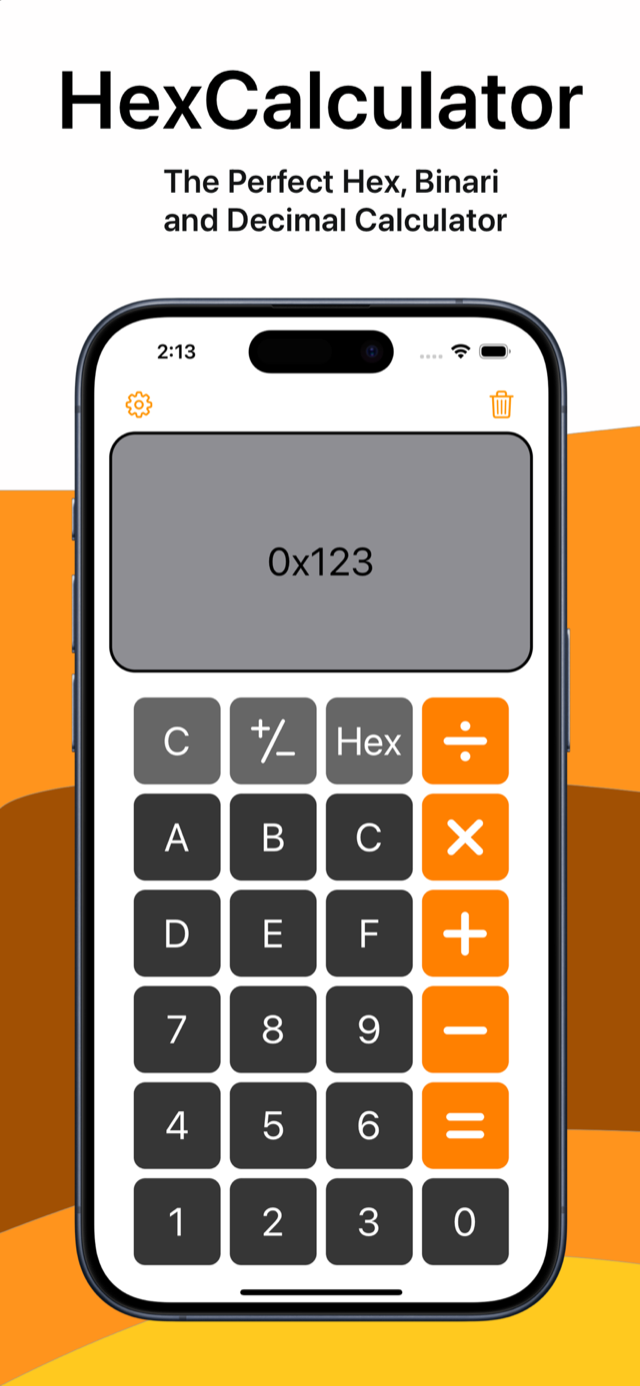
HexCalculator is a free calculator for iPhone and iPad built for programmers, engineers and students. Work in hexadecimal, decimal, binary or octal, run bitwise operations, and check your recent calculations in a scrollable history.

Requires iOS 16.0 or later · In English & Spanish · No ads · No data collection
Everything a programmer's calculator should do
Hex, decimal, binary & octal
Calculate in the base you think in. Add, subtract, multiply, divide — and take the modulo — of hexadecimal, decimal, binary or octal numbers.
Bitwise operations
AND, OR, XOR, NOT, NAND, NOR, bit shifts (<<, >>) and rotations (ROL, ROR) built in — the operations you actually reach for when working with flags, masks and registers.
Word sizes: 8 to 64 bits
Pick your word size — 8, 16, 32 or 64 bits — and flip between signed and unsigned. Negative numbers use two's complement, and overflow and division by zero are caught with a clear error banner instead of silently wrong.
Operation history
Your recent operations are kept with their result in decimal, hex and binary. Scroll back, check a previous result, clear it when you're done.
Smart copy & paste
Paste 0xFF, FF, 0b1010, values with underscores or spaces — the parser understands the formats code actually uses. Siri and Shortcuts can convert numbers without even opening the app.
Private and light
Works offline, shows no ads and collects no data — the App Store privacy label is “Data Not Collected”. Fully localized in English and Spanish.
Designed for one-handed, real-world use
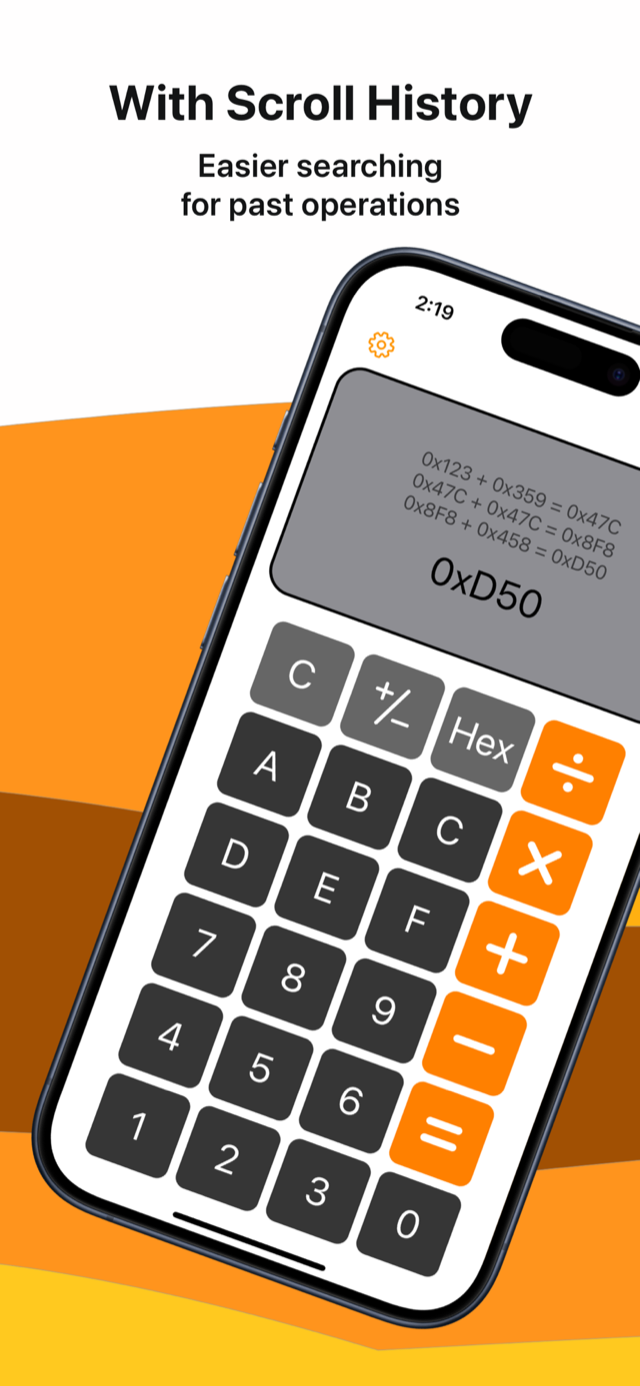
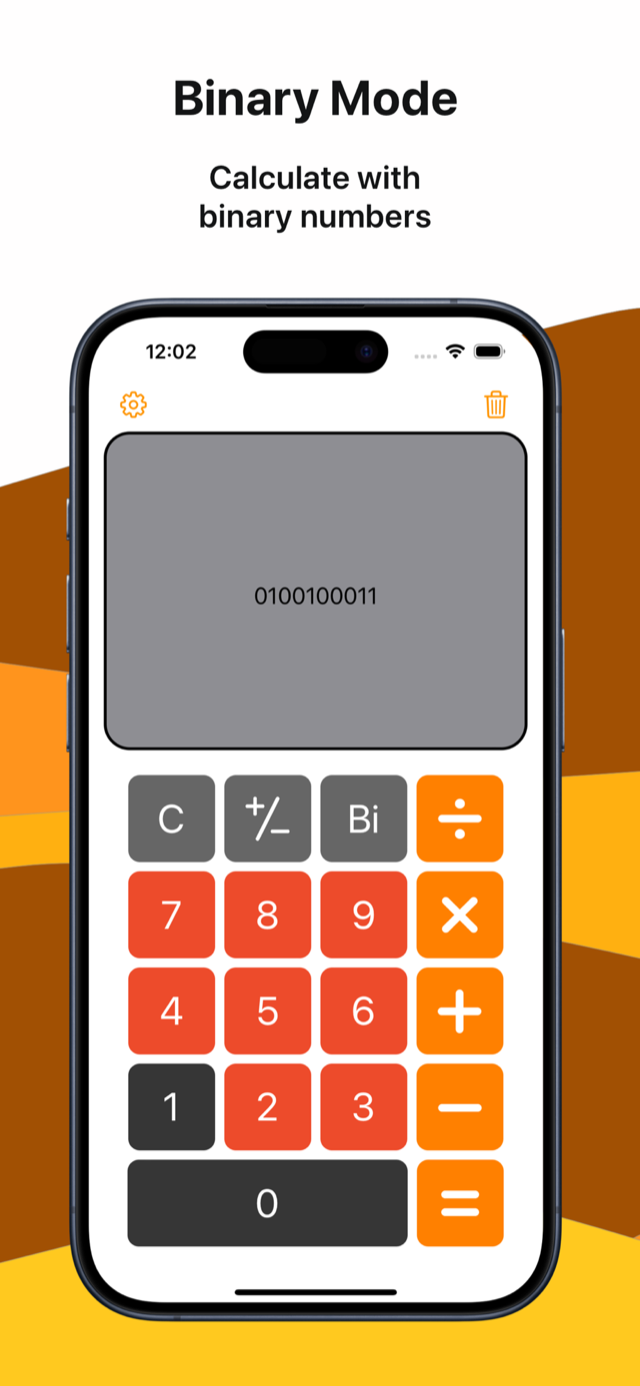
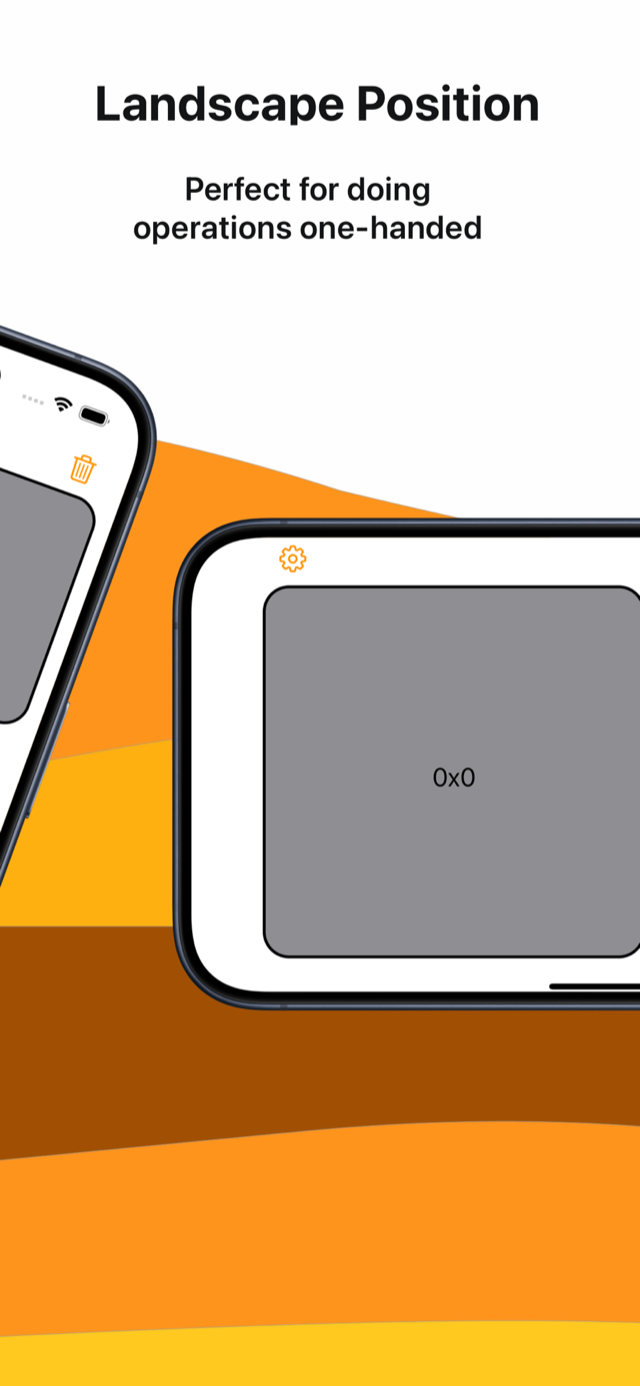
The app also includes a customizable style — pick your own colors for the keypad, operators and display — a unified display view that shows decimal, hex and binary at the same time, and a bit grid that shows every bit of the value on screen, where a tap flips the bit. There are eight alternative app icons, ASCII and RGB insights for the current value, configurable haptic and sound feedback, and long numbers scale down to fit the display instead of getting cut off.
Free hex tools, right here in your browser
No sign-up, no ads — the same math the app does, on the web.
Hex calculator
Arithmetic and bitwise operations on hexadecimal numbers, 64-bit signed or unsigned.
Hex ↔ decimal converter
Convert both ways with the positional breakdown worked out step by step.
Hex ↔ binary converter
See exactly how each hex digit maps to four bits.
Binary ↔ decimal converter
Powers of two, spelled out for any number you type.
Octal ↔ decimal converter
Base 8, step by step — the base behind Unix file permissions.
Two's complement calculator
8, 16, 32 or 64 bits, from hex, decimal or binary input.
Bitwise calculator
AND, OR, XOR, NOT and shifts, shown bit by bit in hex and binary.
Hex table 0x00–0xFF
Every byte value in hex, decimal, binary and octal, plus the values you look up most.
Integer ranges & powers of two
int8 to uint64 limits, 2⁶³ and 2⁶⁴, and every power of two up to 64 bits.
Guides
Learn the method behind the tools: conversions, two's complement and bitwise ops.
Frequently asked questions
Is HexCalculator free?
Yes — HexCalculator is a free download on the App Store, with no ads.
Which devices does it support?
iPhone and iPad running iOS 16.0 / iPadOS 16.0 or later, in portrait and landscape.
Does it work offline?
Yes. The app performs all calculations on your device and needs no internet connection.
Does it collect any data?
No. The developer does not collect any data from the app — its App Store privacy label is “Data Not Collected”.
How are negative numbers handled?
In signed mode the app uses two's complement at the word size you choose (8, 16, 32 or 64 bits), the same representation CPUs use. You can switch to unsigned mode at any time. Our two's complement guide explains how it works.
Does it work with Siri and Shortcuts?
Yes. You can ask Siri to convert a number between bases, or use the app's actions in your own Shortcuts, without opening the app.
Which languages is the app available in?
English and Spanish — the interface is fully localized in both.